What is Notepad++
Notepad++ is a free (as in “free speech” and also as in “free beer”) source code editor and Notepad replacement that supports several programming languages. Running in the MS Windows environment, its use is governed by GNU General Public License.
Based on the powerful editing component Scintilla, Notepad++ is written in C++ and uses pure Win32 API and STL which ensures a higher execution speed and smaller program size. By optimizing as many routines as possible without losing user friendliness, Notepad++ is trying to reduce the world carbon dioxide emissions. When using less CPU power, the PC can throttle down and reduce power consumption, resulting in a greener environment.
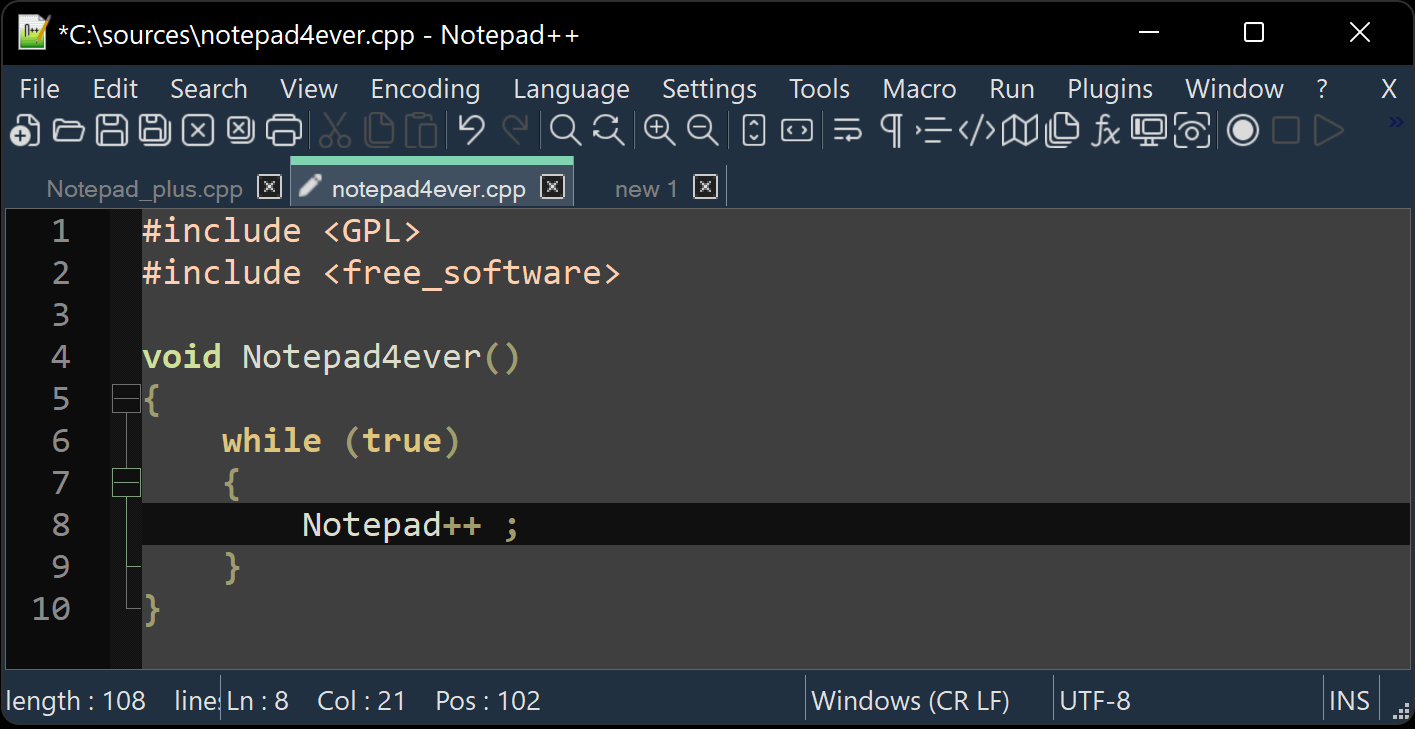
I hope you enjoy Notepad++ as much as I enjoy coding it.
What Notepad++ is used for
People reach for Notepad++ when Windows Notepad is not enough: editing configuration files, writing HTML, CSS, JavaScript, Python or C++, cleaning up log files, comparing large text dumps, or doing a careful search and replace across a whole project folder. It opens big files quickly, keeps every document in its own tab, and remembers your session between restarts.
Supported Windows versions
Notepad++ is a native Win32 application. The current release runs on Windows 11 and Windows 10, with 64-bit (x64), 32-bit (x86) and ARM64 builds published for each version. See the Windows 10 installation guide or the Windows 11 guide for the details that differ between the two.
What you get over Windows Notepad
- Colouring and code folding that follow the file's language, not just its extension
- One window, many tabs, and two panes when you need to compare files side by side
- Find in Files with regular expressions, so a rename can sweep an entire project folder
- Recorded macros for the repetitive edits nobody wants to do by hand twice
- Plugins Admin for extras such as Compare, XML Tools and JSON Viewer
- Visible control over encoding (UTF-8, UTF-16, ANSI) and line endings (CRLF, LF)
The full feature overview of the Notepad++ text editor shows where each of these lives in the menus.
Download and install
The current release is version 8.9.8. You can download Notepad++ as a signed installer, an MSI package, or a portable version that runs from a USB drive. If this is your first time, the step-by-step installation guide walks through the installer options and the first launch.
Frequently asked questions
How is Notepad++ different from the Notepad app in Windows?
Windows Notepad is a plain writing pad. Notepad++ adds language-aware colouring, code folding, column selection, regular-expression search across an entire folder, recorded macros and plugins, and it keeps opening files that are hundreds of megabytes long without stalling.
What kinds of files do people open in it?
Anything that is really text: .txt and .log, .html, .css and .js, .py, .php, .sql, .json, .xml and .yml, .ini and .conf, .bat and .ps1, plus source files in C, C++, C# and Java. The editor picks a lexer from the file extension and you can override it from the Language menu.
Will it change my line endings or encoding?
No. Notepad++ detects what a file already uses and shows it in the status bar, so a Unix (LF) file stays LF unless you convert it yourself from the Edit > EOL Conversion or Encoding menu.
More answers are collected on the Notepad++ FAQ page.